


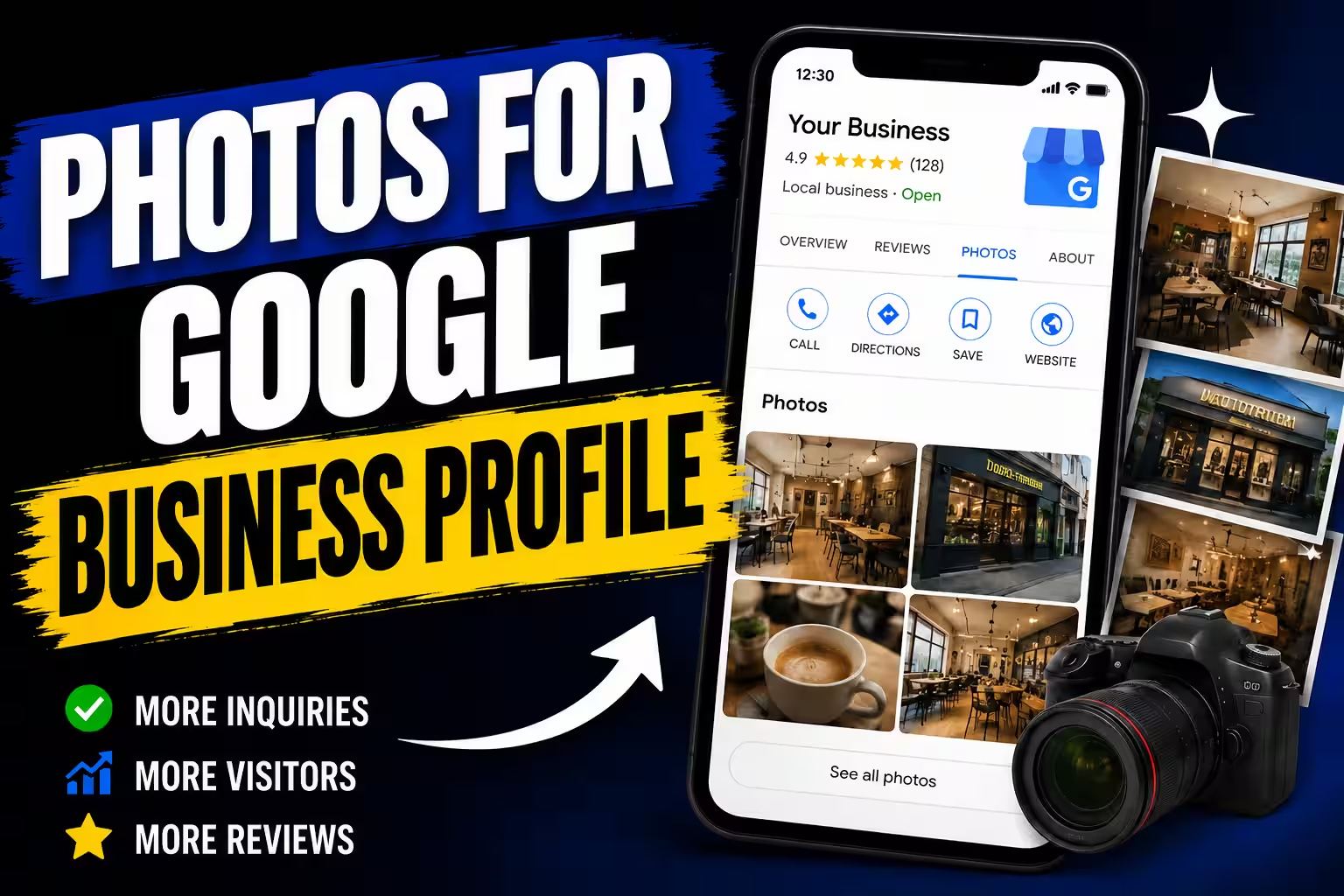
Photos for Google Business Profile

Photos on your Google Business Profile help potential customers see what your business is like before they call or visit.
Someone looking for a plumber might want to see examples of completed jobs. Someone choosing a restaurant may want to look at the dining area and food. A customer considering a dental practice may want to see the premises before booking an appointment.
The purpose of these photos is to help customers understand your business, not to fill your profile with as many images as possible.
You do not need a professional photographer or a perfect gallery. Clear, relevant photos of your actual business are a good place to start.
If you also want to improve the other parts of your listing, read our guide to Google Business Profile optimization.
Which photos should you upload?
The best photos depend on what your business does and what customers want to know before contacting you.
For example:
- Tradespeople and contractors: Show completed jobs and details of your work. A tiler could photograph a finished bathroom, while a painter could show a room after repainting.
- Restaurants and cafés: Photograph the interior, seating, food, and drinks you actually offer. Give people a realistic idea of the atmosphere and menu.
- Dental practices and salons: Show the premises, equipment, work areas, and team. Get permission before sharing photos of patients or customers, and respect their privacy.
- Auto repair shops: Show the workshop, equipment, and examples of repairs where the results can be clearly understood.
- Retail stores: Photograph products, the storefront, and the interior so customers know what to expect when they visit.
You do not need to upload everything at once. Start with a small selection of different photos that gives people a useful overview of your business.
Authentic photos do not have to be perfect
Professional photography can be a good investment, especially if you want to present your premises, products, or team particularly well. The problem is not that a photo looks professional. The problem is when it shows something that does not reflect your actual business.
Photos taken with a phone can be just as useful. If you have finished a job worth showing, take a few pictures from different angles. They do not need to look like an advertisement, but they should be clear, well-lit, and detailed enough to show the result.
Do not present someone else's work as your own. Avoid stock photos or images from the internet that could give customers a misleading impression of what you offer.
The goal is simple: help potential customers see what they can actually expect from your business.
How to take better photos with your phone
You do not need special equipment. A few simple habits can make a noticeable difference:
- Clean your camera lens before taking photos.
- Use natural light or other even lighting where possible.
- Check that the main subject is in focus.
- Remove unnecessary clutter from the frame when photographing a room or completed job.
- Take several shots from different angles, then choose the clearest one.
Avoid heavy filters or edits that change the appearance of what you are showing. Google recommends photos that look realistic, are in focus, and have good lighting.
For the current technical requirements, see Google's official guide to photos and videos.
What should you avoid uploading?
A photo is not automatically useful just because it adds something to your gallery.
Photos unrelated to your business
Personal snapshots, pictures of your lunch, or random landscapes generally do not help customers understand your services. Save those for your personal social media accounts.
Blurry or poorly lit photos
If people cannot tell what a photo shows, it is not doing its job. The image does not have to be professionally produced, but the subject should be clear enough to recognize.
Photos that no longer reflect your business
Avoid showing outdated premises, products you no longer sell, or work that no longer represents your current standards if those images could mislead potential customers.
For example, if you have renovated your salon or replaced old equipment, consider updating the photos that show the previous setup.
Heavily edited or duplicated photos
There is little benefit in uploading the same image several times or applying filters that significantly change its appearance.
A smaller gallery of distinct, useful photos is better than a large collection of nearly identical images.
How often should you add new photos?
There is no universal schedule that makes sense for every business.
A contractor who completes new jobs regularly has more opportunities to take photos than an accountant who mostly works in an office. A restaurant may update its photos when the menu or interior changes, while a service business with relatively stable operations may have fewer reasons to add new images.
Build a routine you can maintain without much effort.
If you are a tradesperson, photograph a substantial or visually interesting job when you finish it. If you run a salon or restaurant, update your gallery when the premises, equipment, or offering changes.
There is no need to publish new photos just to meet an arbitrary weekly target. The more useful question is whether your profile still represents the business as it operates today.
How many photos are enough?
There is no ideal number of photos that guarantees better rankings on Google Maps.
To begin with, aim for enough images to give potential customers a clear impression of your business. Depending on your industry, that might include your premises or equipment, your team, and several examples of your work.
After that, add photos when you have something worthwhile to show. There is little point in uploading dozens of images at once if most of them are repetitive or do not provide any new information.
Think about what a customer would want to check before contacting you. If your gallery answers those questions, it is doing something useful.
What are Google's technical requirements for photos?
Google's published guidelines provide the following recommendations for Business Profile photos:
- Format: JPG or PNG.
- File size: Between 10 KB and 5 MB.
- Recommended resolution: 720 × 720 pixels.
- Minimum resolution: 250 × 250 pixels.
- Quality: Photos should be in focus, well-lit, and free from significant alterations or excessive filters.
Your profile must be verified for photos to appear. After uploading, it may also take some time for the images to become visible.
Requirements and processing times can change, so check Google's official photo and video guidelines if you need the latest details.
Make taking photos a simple habit
You do not need to plan new content for your Google Business Profile every day.
When you finish a job worth showing, take half a minute to capture a few photos. Choose one or two of the best and upload them when you have time.
Over time, you will build a collection that shows different types of work, your premises, or how you operate. You will not have to search through old files every time you want to update your profile.
Photos are only one part of a useful Google Business Profile. You can also read our guide on how to get more Google reviews. Reviews and photos give potential customers different kinds of information to help them decide whether to contact your business.