


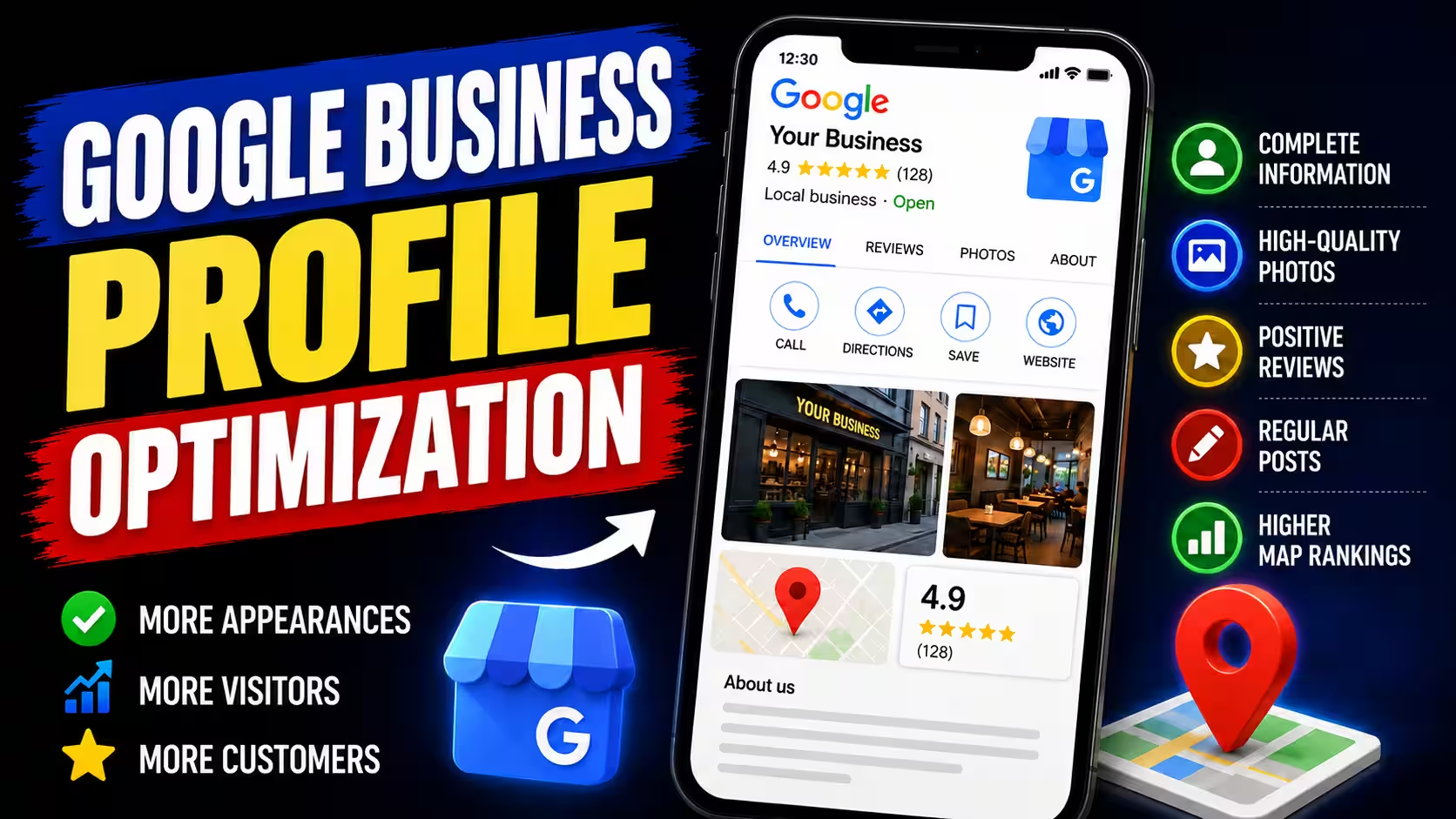
How to Optimize Your Google Business Profile

Imagine you need an electrician. You search on Google and look at a few businesses in the results. One has good reviews, another has photos of completed jobs, and a third shows little more than a business name and phone number.
You are more likely to consider a profile that gives you enough information to decide who to contact. You want to know that the business actually provides the service you need, that you can reach them, and that there is a reason to trust them.
That is why a Google Business Profile should be more than a place to display an address and phone number. It gives potential customers a way to evaluate your business before they call.
Optimizing your profile means checking how your business is presented, making sure the information is accurate, choosing the right category, and providing details customers need. It also means separating changes that improve your business presentation from factors that actually influence local rankings.
What affects local search rankings?
Google identifies three main factors for local rankings: relevance, distance, and prominence.
Relevance describes how well a business profile matches what someone is searching for. Distance refers to how far the business is from the person searching. Prominence reflects how well-known a business is. Google considers information such as links from other websites and the number of reviews.
You cannot control every factor. You cannot change your business location to be closer to every potential customer, and there is no setting that guarantees the top position on Google Maps.
What you can do is make sure your profile accurately represents your business, select an appropriate category, and provide useful information about your services.
For a closer look at how these factors work together, read our guide on how Google ranks businesses on Google Maps.
1. Check your primary category before changing anything else
Your primary category helps Google understand what your business mainly does. Choosing a category that accurately describes your core business is more useful than adding as many categories as possible in the hope of appearing in every related search.
If you are a plumber, your primary category should describe plumbing services. If you run an auto repair shop, choose the category that best represents the work your shop actually does.
Add secondary categories only when they represent other significant parts of your business. Do not use them for services you might offer someday.
A category that is too broad or does not accurately describe your business can make your profile less relevant to a search. However, the category alone does not determine your position because Google considers other factors too.
If you are unsure which category to choose, see our separate guide on choosing the right Google Business Profile category.
2. Make sure customers can reach you
Your business name, address or service area, phone number, and opening hours should reflect how your business actually operates.
Imagine someone finds your profile in the evening, sees that you are open until 8 p.m., and calls at 7:30 p.m. If you actually close at 6 p.m., the problem is not just an incorrect profile. The customer made a decision based on information that was wrong.
The same applies to a phone number you no longer use, an old address, or a business name that does not match your real-world business name.
Check that the key details also match the information on your website. If your phone number or address changes, update both places.
There is no need to change information that is already correct just because you heard that making edits can improve rankings. The goal is to keep your profile accurate and complete, not to keep changing it without a clear reason.
3. List the services you actually provide
Some businesses list only their general industry on their profile, even when they offer several distinct services.
For example, an electrician might handle emergency repairs, wiring replacements, lighting installation, and electrical panel work. If the profile only gives a general description of the business, a potential customer has to guess whether the electrician handles the specific job they need.
Add the services you genuinely offer and use names customers can understand. If a service needs a more detailed explanation, provide that information on your website too.
Do not add a service just because you have heard that people frequently search for it. If you do not provide it, the listing can create the wrong expectations and lead to calls you cannot turn into actual work.
Complete service information can help Google understand what your business offers and help customers check whether you handle their particular job. That is a more practical reason to list your services than trying to fill the profile with as many entries as possible.
4. Use photos to show customers what to expect
Photos have a clear purpose: they help people understand your business, see examples of your work, and get a sense of how you operate.
If you are a tiler, show completed bathrooms and details of your work. If you run a restaurant, show the space and the food you serve. If you own an auto repair shop, photos of the workshop and equipment can help customers understand the kind of work you do.
You do not need to hire a professional photographer every time. Phone photos can be useful as long as they are clear, genuine, and well lit.
Avoid photos that have nothing to do with your business or that present someone else's work as your own. They can create false expectations. When the customer calls or visits, the difference between what was shown and what you actually offer becomes obvious.
There is no need to publish a new photo on a fixed schedule if you have nothing new to show. Add photos when you have completed a project, acquired new equipment, changed your premises, or have another detail that helps customers understand your business.
5. Reviews matter, but do not focus only on the number
Reviews help potential customers assess other people's experiences with your business. Google also states that the number of reviews and positive ratings can contribute to local rankings.
That does not mean the business with the most reviews automatically ranks first. Relevance, distance, and other signals still matter.
If you have 200 reviews and a competitor has 80, that alone does not tell you which business will appear higher. The result also depends on what the person is searching for, where they are located, and how well each profile matches the search.
A sensible way to get more reviews is to ask real customers after completing a job. Do not offer discounts or gifts in exchange for reviews, and do not buy them. These practices violate Google's policies and can lead to reviews being removed or restrictions on your profile.
Responding to reviews also has practical value. When someone is considering your business, they can see whether you pay attention to feedback and how you respond to praise or complaints.
For more guidance, read our articles on getting more Google reviews and how to respond to Google reviews.
6. Publish Google posts when you have something useful to share
You do not need to publish every week just to make your profile look active. Google posts can be useful when you have news, a seasonal service, a special offer, or a recently completed job worth showing.
For example, an HVAC company offering heating system inspections before winter could publish a short update explaining the service and how to book an appointment. A construction company could show a completed project and describe the work involved.
A post like this gives people who open your profile specific information. An update without anything useful to say, published simply because another week has passed, may not help anyone.
There is not enough evidence to claim that a particular posting frequency automatically improves Google Maps rankings. Google does not list posting frequency among its main local ranking factors.
Treat posts as a way to share current information with people considering your business, not as a ranking trick.
7. Connect your profile to useful website content
Your Google Business Profile and website do not need to repeat exactly the same information, but they should represent the same business accurately.
Your profile can display basic details, opening hours, reviews, and a list of services. Your website gives you more room to explain what you do, which jobs you accept, where you operate, and what customers should know before contacting you.
For example, a plumber's profile might list bathroom fixture installation. The website can have a dedicated page explaining that service, what the job involves, and how to arrange an appointment. Someone can check the basic information on the profile and then read the details on the website.
Your website should contain accurate information and pages that make sense for the services you actually provide. There is no need to create large numbers of nearly identical pages just to mention different cities or keywords.
If the information on your profile and website does not match, fix that inconsistency first. If it does match, consider whether your website answers questions that your profile does not have enough room to cover.
What should you check if your profile is not bringing in calls?
If your profile is complete but you are not getting the inquiries you expected, do not immediately start publishing more photos or posts. First, try to identify where the problem lies.
If your profile rarely appears for relevant searches, check your primary category, listed services, and business information. Compare them with what you actually offer and the terms customers use when looking for that service.
If your profile appears but people rarely open it or call, review the information they see. Are your services clear? Is the phone number correct? Do the photos and reviews give a realistic picture of your business?
If people visit your website through the profile but do not contact you, check whether the page clearly explains your services, service area, and next steps. Perhaps the phone number is difficult to find, or it is unclear which jobs you accept.
Do not judge the results based on one day or a handful of individual searches. Local results can vary depending on the searcher's location and query. Track changes over time and, where possible, compare calls and inquiries with the period before you made the changes.
This makes it easier to distinguish a visibility problem from an issue with your offer or the way you present it.
Google Business Profile optimization checklist
Use this checklist to review your profile:
- [ ] The primary category matches your main business activity.
- [ ] Secondary categories represent services you genuinely provide.
- [ ] Your business name, address or service area, phone number, and opening hours are accurate.
- [ ] Your main services are listed on the profile.
- [ ] Photos show your actual business, premises, or work.
- [ ] Reviews come from real customers, without rewards for positive ratings.
- [ ] You respond to reviews thoughtfully and professionally.
- [ ] You use posts to share useful information, not simply to maintain a posting schedule.
- [ ] Your website contains the same core business information and explains your services.
- [ ] You track calls, inquiries, and other business outcomes, not just your profile's position.
You do not have to fix everything in one day. Start with inaccurate information and your primary category, then review your services and website content. Keep photos, reviews, and posts aligned with your actual business.
Optimization is not about collecting SEO tricks
The most useful changes are usually straightforward. They remove confusion, help Google understand what your business does, and give potential customers the information they need to make a decision.
There is no single setting that guarantees the top position. Be cautious if someone promises a specific ranking simply by adding posts, photos, or keywords.
Focus on what you can control: accurate business information, appropriate categories, clear service details, and useful information for customers. Then track whether those changes help people find and contact your business.
If you are just getting started, read our complete Google Business Profile guide. If you already have a profile, use this article as a practical review and change the things that genuinely need attention.
If you also need a website that clearly explains your services and makes it easy for customers to contact you, learn more about our website design services.